Today's Work
A full-width journal for what you actually got done, with a date picker to walk back through previous days. Checking off a task logs it into today's entry automatically, so the record builds itself.
 Daily Dashboard
Local-first · MIT licensed
Tasks, a daily journal, team status, and the links you actually open — in a single page you can leave in a tab. No account to create, no telemetry, no backend to run. Your data stays in your browser.
Light and dark themes ship together; the toggle is a keystroke away (D). These are screenshots of the running app with sample data.
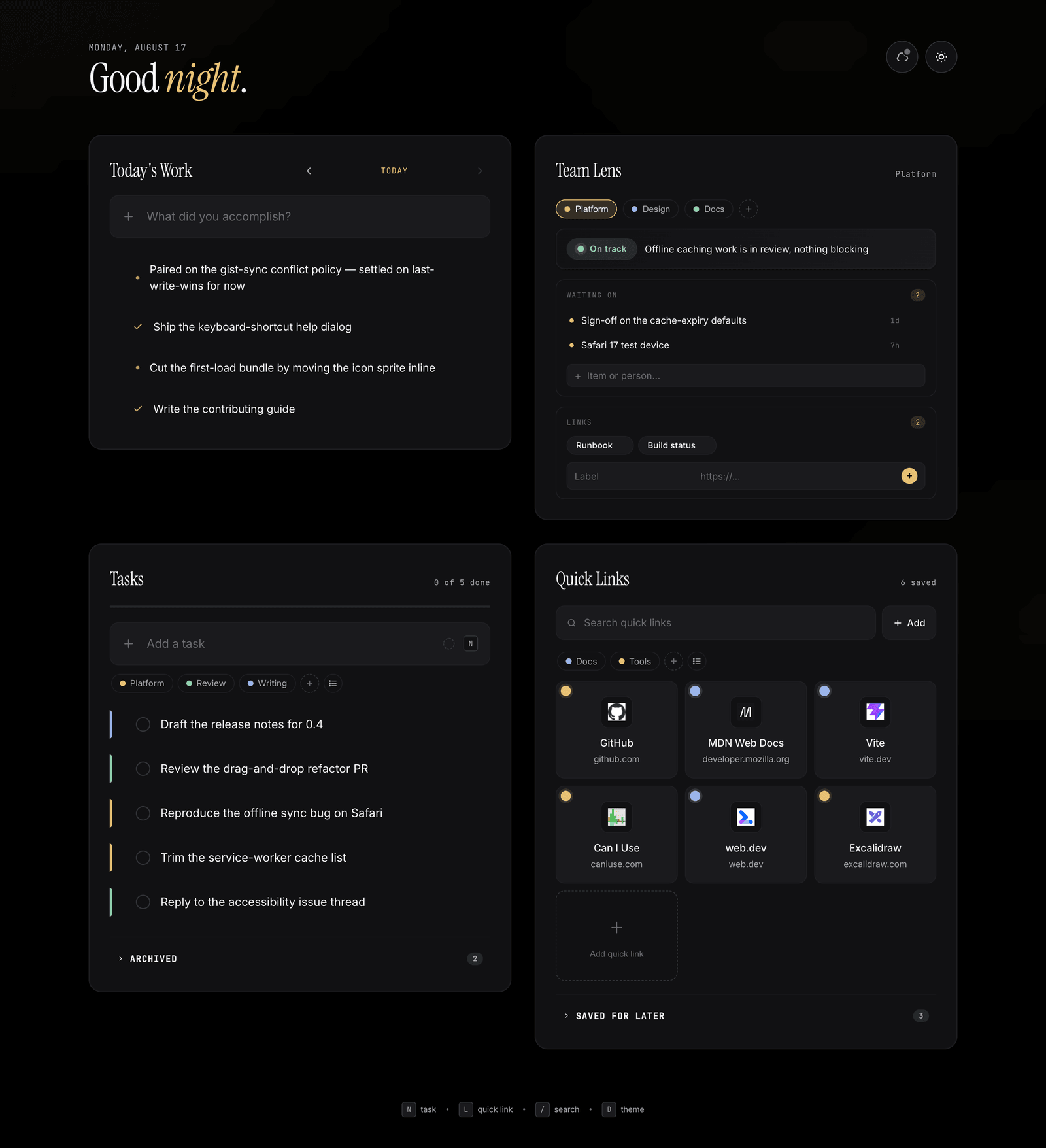
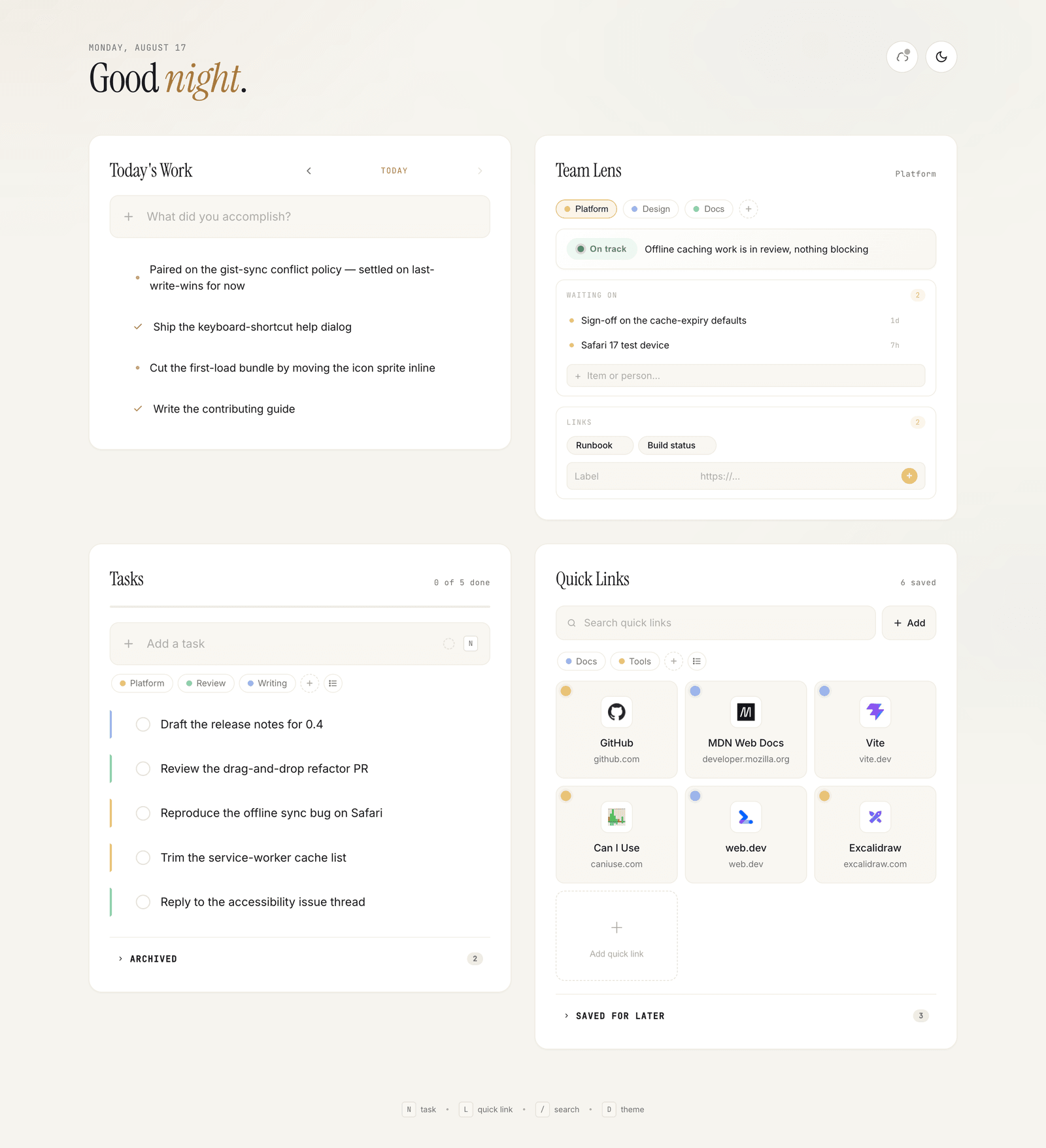
A full-width journal for what you actually got done, with a date picker to walk back through previous days. Checking off a task logs it into today's entry automatically, so the record builds itself.
Per-team status — Idle, On track, At risk, Blocked — with a one-line note, a waiting on list for whatever is blocking you, and a grid of that team's runbooks and dashboards. An overview mode summarises every team at once.
Inline editing, drag-and-drop reordering, an archive for finished work, and a 4-second undo on every delete. Tag tasks with your own colours and group the list by tag.
Start a 15, 25, or 50-minute countdown on any task. A focus pill with a progress ring follows you around the app, and the full-screen view minimises when you want to keep working.
A pinned grid for the handful of links you open every day, and a collapsible archive for everything else. Both are searchable, taggable, and reorderable by drag.
A service worker caches the app shell, so it opens without a network. Install it from Chromium's install button, or via Share → Add to Home Screen on iOS Safari.
Three tiers, resolved in this order at startup. There is no account system, no analytics, and no server component beyond the optional gist you own.
Under npm run dev, a Vite middleware reads and writes
data/store.json on your own disk. Plain JSON you can read, diff, or
delete.
Optional cross-device sync. You create the private gist and a fine-grained token scoped to gists only, paste them in once per browser, and can revoke them whenever you like. Conflict policy is last-write-wins.
localStorage, everywhere elseThe fallback on a deployed site, and the write-through cache for the gist tier — so your edits survive even with no network.
The dev file store and a deployed site's gist/localStorage are separate buckets and do not auto-sync.
Vanilla JavaScript on Vite. No framework, no TypeScript, no build config beyond
vite.config.js. The whole application is three files, which means you can
understand it in an afternoon and change it to fit how you actually work.
git clone https://github.com/jihadabuzuhri/daily-dashboard.git
cd daily-dashboard && npm install
npm run dev
Requires Node ^20.19.0 or >=22.12.0. No database, API key, or
backend service. Pull requests are built on Node 20 and 22 by CI.
Local setup, branch and commit conventions, the manual verification checklist, and the architecture constraints new code should stay inside.
Bug reports and feature requests, both with templates. For anything larger than a small fix, open an issue first to discuss the approach.
The persistence tiers, the render and event model, drag-and-drop, and the legacy-data migrations, in more depth than the README.
How to report a vulnerability privately, plus a Code of Conduct that applies to every space in the project.